What RD Service Actually Does
We activate and renew RD Service for the biometric devices used across banking correspondent points, telecom outlets, government service centers, and enterprise attendance systems throughout Delhi NCR and beyond.
A biometric scanner captures a fingerprint as raw image data. On its own, that raw data is exactly what older, non-compliant devices used to transmit, unencrypted and vulnerable to interception or replay. UIDAI's RD Service specification changed that requirement industry-wide.
RD Service runs as a layer between the scanner hardware and whatever application is requesting the biometric capture, whether that's an AEPS banking app, an eKYC verification portal, or an attendance system pulling Aadhaar-linked records. The moment a fingerprint or iris is captured, RD Service encrypts it into a PID block using the device's own signed key before it ever leaves the hardware. No unencrypted biometric data touches the host computer, no stored fingerprint sits on the device waiting to be copied, and each capture carries a signature that ties it to that specific registered device.
This is what "UIDAI Registered Device Service" means in practice: your scanner has been through a certification process, carries a verified device key, and is authorized to handle live Aadhaar authentication traffic. A device without active RD Service will get rejected by banks, telecom KYC systems, and government portals, even if the hardware itself works perfectly.
L0 vs L1, and Why It Matters for Your Device
UIDAI certifies RD Service at two levels.
L0 Certification
L0 devices handle the encryption and PID block formation in software, running on the host operating system. This was the original certification tier and is now being phased out for most live production use, since it offers less protection against tampering at the OS level.
L1 Certification
L1 devices go further. The entire capture-to-encryption process happens inside a Trusted Execution Environment on the device itself, isolated from the host OS entirely. If your scanner is used for AEPS, banking correspondent work, or any high-volume authentication, L1 Biometric RD Service is what UIDAI now expects.
If you're not sure which tier your current scanner is certified at, check the model number against the manufacturer's listing, or call us and we'll confirm it before you commit to an activation or renewal.
Devices We Activate RD Service For
RD Service isn't universal software, it's specific to the device manufacturer and model. We handle activation and renewal for the major brands actually in use across India:
-
Mantra RD Service
Covering the MFS100 and MFS110 L1 fingerprint scanners, the most widely deployed devices at banking correspondent points and telecom KYC counters. -
Morpho RD Service (IDEMIA)
Covering the MSO1300 E2/E3 and related models used across government and enterprise Aadhaar authentication. -
Startek RD Service
Covering the FM220U and similar L1 fingerprint scanners common in retail and telecom deployments.
If your device isn't listed above, call us anyway. Between our own catalog and manufacturer partnerships, we cover most L0 and L1 certified scanners currently active in the field.
RD Service Registration, Renewal, and Activation
New Registration
If you've just bought a biometric scanner, or inherited one without active RD Service, registration starts with confirming the device serial number and certification level, then activating the manufacturer's RD Service package against that specific device. Most registrations complete within a few hours on a business day, sometimes faster depending on the device brand and current UIDAI processing load.
Renewal
RD Service licenses expire. An expired license doesn't damage the hardware, but it does mean every authentication request from that device gets rejected until it's renewed. This catches a lot of banking correspondents and telecom outlets off guard, since the device keeps working right up until the license lapses, then stops accepting Aadhaar transactions with no warning built into the hardware itself.
If your device has suddenly started failing eKYC or AEPS transactions with no obvious hardware fault, an expired RD Service license is the first thing to check.
Activation for Existing Devices
Sometimes a device was purchased used, transferred between locations, or set up incorrectly the first time. We can activate RD Service on an existing scanner regardless of where it was originally bought, as long as it's a supported model and certification level.
Aadhaar eKYC RD Service
eKYC verification, confirming someone's identity against their Aadhaar record using a live fingerprint or iris scan, depends entirely on RD Service being active and correctly configured on the capturing device. This applies whether you're running eKYC for SIM card issuance, opening a bank account, or verifying identity for a government scheme enrollment.
A device with lapsed or improperly configured RD Service will either reject every capture attempt outright or produce PID blocks that UIDAI's servers won't accept, which from the operator's side looks identical to a hardware failure.
Who Actually Needs This
Banking correspondents and AEPS operators
Every cash-out, balance inquiry, or fund transfer through Aadhaar Enabled Payment System depends on an active, correctly certified RD Service license on the fingerprint device.
Telecom and SIM card retailers
Aadhaar-based eKYC for SIM issuance is a regulatory requirement, and it stops working the moment RD Service lapses.
Government service centers and CSCs
Enrollment and update services for various schemes run through Aadhaar authentication, which needs the same registered device compliance.
Enterprises running Aadhaar-linked attendance
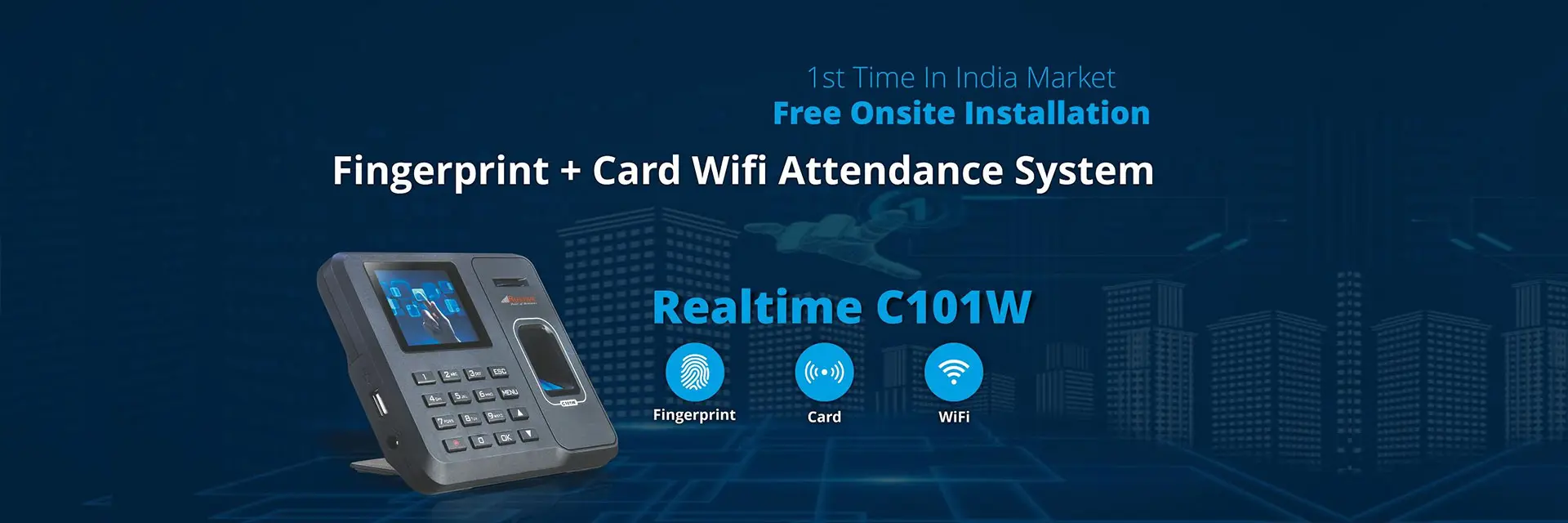
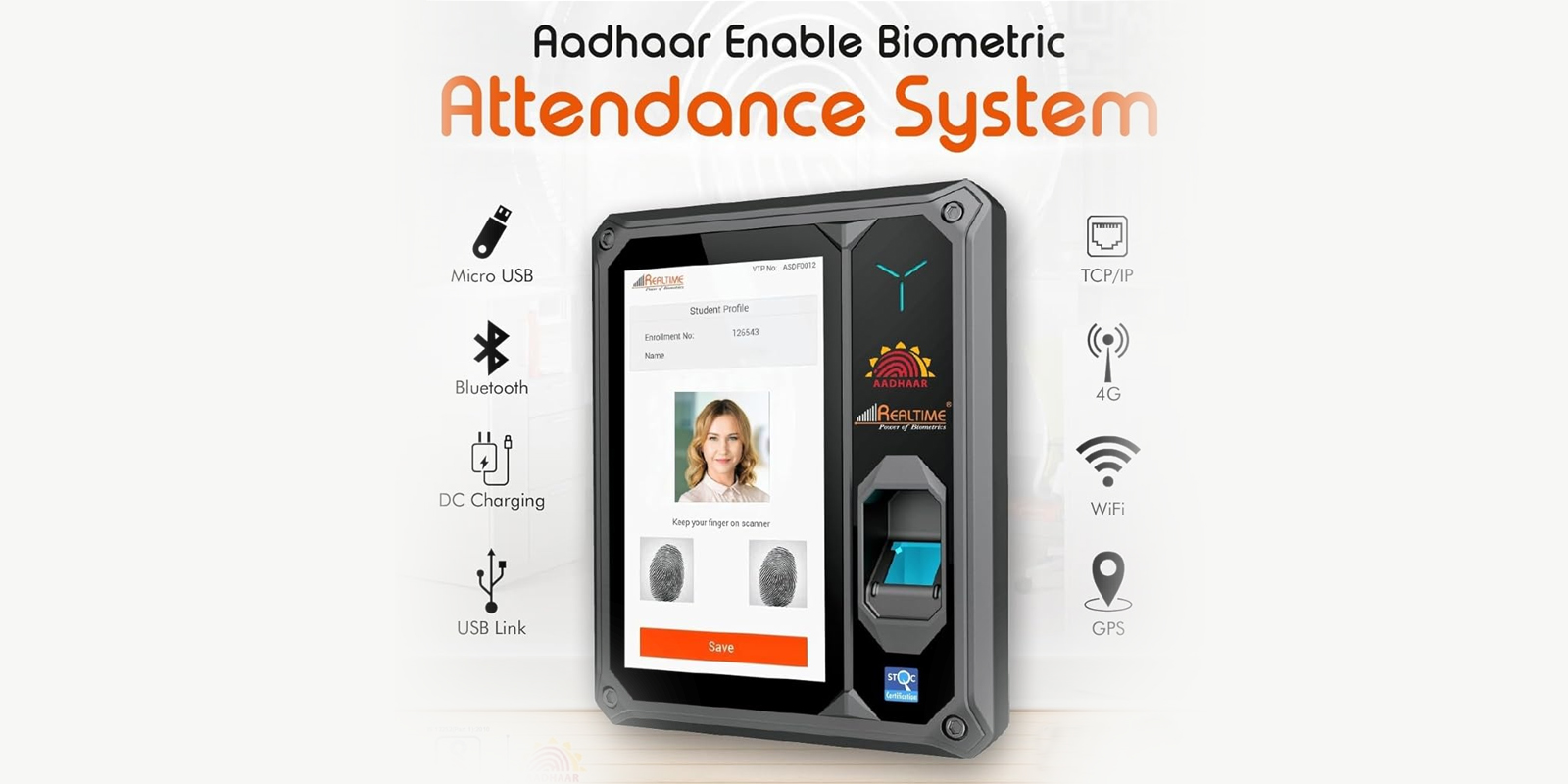
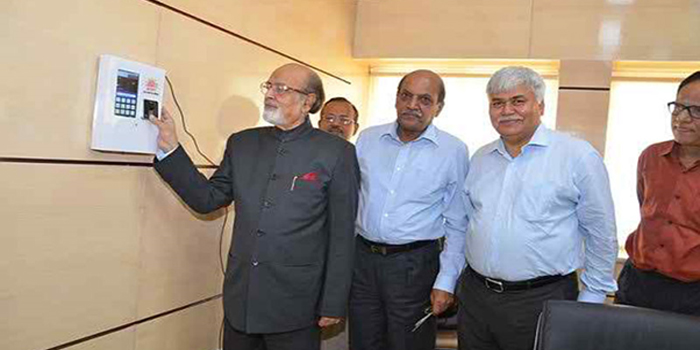
If your biometric attendance system is configured to verify staff identity against Aadhaar records rather than a private enrolled database, the capturing device needs valid RD Service too.
Why Work With Us for RD Service
We already supply and service biometric hardware across Delhi NCR, Noida, Gurgaon, Kanpur, Mumbai and about 20 other cities, so RD Service activation isn't a separate, unfamiliar transaction, it's the same device ecosystem we already support daily. If you bought your scanner from us, we already have the serial number and model on file. If you didn't, we'll walk you through confirming both before starting activation.
We support Mantra, Morpho and Startek devices, both new registrations and renewals, and we'll tell you plainly if your device's certification level isn't suited to your actual use case, rather than activating whatever license you ask for and leaving you to discover the mismatch later during a rejected transaction.