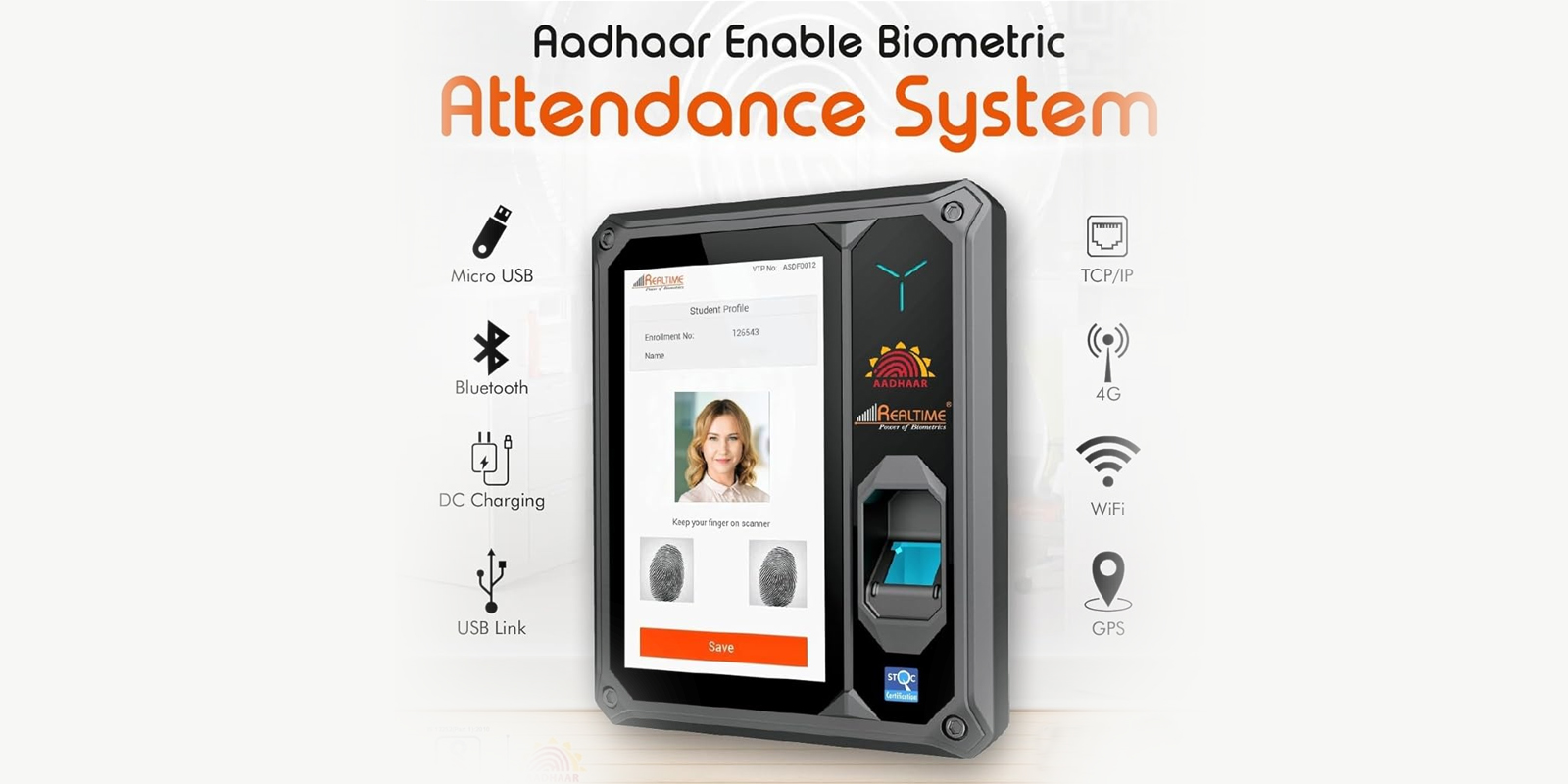
A thumb attendance machine for a small or mid-size office costs ₹3,000 to ₹14,000, depending on storage capacity and whether you add door access. Most offices under 50 staff land near the ₹6,000 to ₹9,000 mark for a standalone unit. The machine itself is only half the decision. Where you mount it and how many people enroll on day one matter just as much as the price tag.
This guide covers what a thumb attendance machine does differently from a full fingerprint system, which model fits your headcount, and the setup steps people skip when they install one themselves.
Thumb Attendance Machine vs Fingerprint Attendance Machine
People use these terms interchangeably, but there is a real difference worth knowing before you buy.
A thumb attendance machine reads one digit, almost always the right thumb, and stores that single print per employee. A full fingerprint attendance machine lets each person enroll multiple fingers, which matters if someone's thumb has a cut, a callus, or wears down from manual work.
For office staff at a desk, one thumb is usually enough. For factory floors, warehouses, and construction sites where hands take daily wear, multi-finger enrollment cuts down on failed scans and the queue that builds up behind a machine that keeps rejecting someone's print.
Quick Answer: Thumb Machine Price by Office Size
| Office Size | Recommended Setup | Price Range |
|---|---|---|
| Under 25 staff | Standalone thumb machine, no access control | ₹3,000 - ₹6,500 |
| 25 to 75 staff | Higher-capacity thumb machine with cloud sync | ₹6,500 - ₹10,000 |
| 75+ staff or factory floor | Thumb plus access control combo unit | ₹10,000 - ₹14,000 |
| Multiple branches | Networked thumb machine with centralized dashboard | ₹12,000 - ₹18,000 per unit |
How a Thumb Scanning Machine Actually Works
The sensor captures the ridge pattern on the thumb, not a photo of it. That pattern gets converted into a numeric template, and the template is what gets stored and compared on every future punch. Nobody can reverse that template back into an image, which is the answer people usually want when they ask if the data is safe.
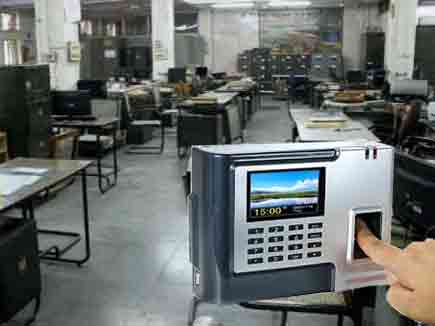
When an employee places their thumb on the scanner, the device checks the live scan against the stored template in under a second. A match logs the time. A mismatch asks for another try. After three failed attempts, most machines fall back to a PIN or card option so one stuck scan doesn't hold up the whole line at the door.
Common Setup Mistakes With Thumb Attendance Machines
We get called out to fix the same handful of problems on machines we did not sell. Worth knowing before you set one up yourself.
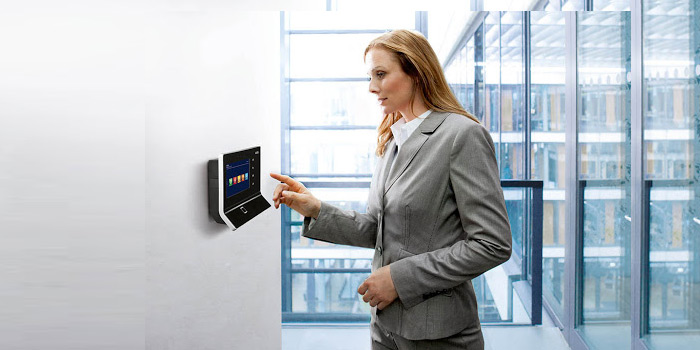
- Mounting height is wrong. The sensor should sit at a height your shortest and tallest staff can both reach without bending or stretching. Anything outside elbow to shoulder height for an average adult slows down every single punch.
- Enrollment happens too fast. Rushing a 50-person enrollment in twenty minutes means smudged or partial scans get saved as the baseline template. Every later punch from that employee then fails, and someone has to re-enroll them anyway.
- Nobody enrolls a backup finger. If a worker's right thumb gets bandaged after an injury, a machine with no backup print enrolled has no fallback besides manual override. Enroll a second finger for staff in physically demanding roles.
- The unit sits in direct sunlight or near a heat source. Optical sensors read poorly in glare, and the plastic casing on budget models can warp near a window that gets full afternoon sun.
- Power backup gets skipped. A thumb machine with no UPS loses its live clock sync during a power cut, and punches recorded right after power returns can land with the wrong timestamp.
Which Realtime Biometric Models Work Best for Thumb Scanning
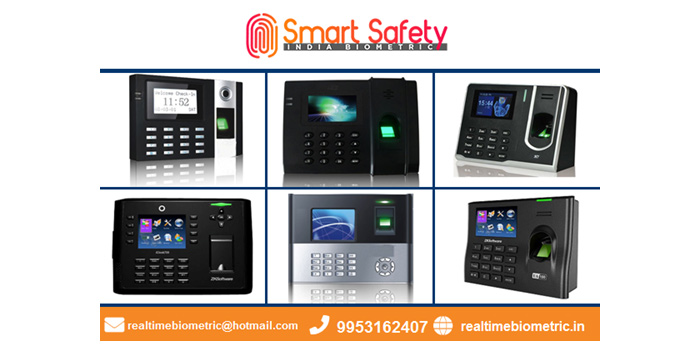
Most clients asking specifically for a thumb attendance machine end up on one of these from our range, based on headcount and whether door access is part of the ask.
For offices under 25 people that just need attendance with no access control, the Rs9N covers it without paying for capacity you will not use. Offices between 25 and 75 staff usually move to the T6, which holds more stored templates and handles a higher daily punch volume without slowing down. If you want the same thumb scan to also open a door, the T304F+ runs attendance and access control off one unit, which saves you installing two separate devices at the same entry point.
Call 9319502447 for a Model Recommendation
Thumb Machine vs RFID Card and Manual Register
A handful of offices we visit are still deciding between a card reader, a register, and a biometric thumb scanner. The comparison usually comes down to one thing: can the record be faked.
An RFID card can be handed to a colleague to swipe in on your behalf. A manual register can be signed by anyone standing near it. A thumb scan needs the actual person physically present, which is the entire reason offices switch in the first place. If proxy attendance is not a concern for your team, a card system is cheaper and faster to set up. If it is, even a basic thumb machine closes that gap immediately.
We cover this comparison in more depth in our guide on what a biometric attendance machine actually fixes, including the payroll-side errors that proxy punching causes beyond just the attendance record itself.
Thumb Machine for Office With Door Access
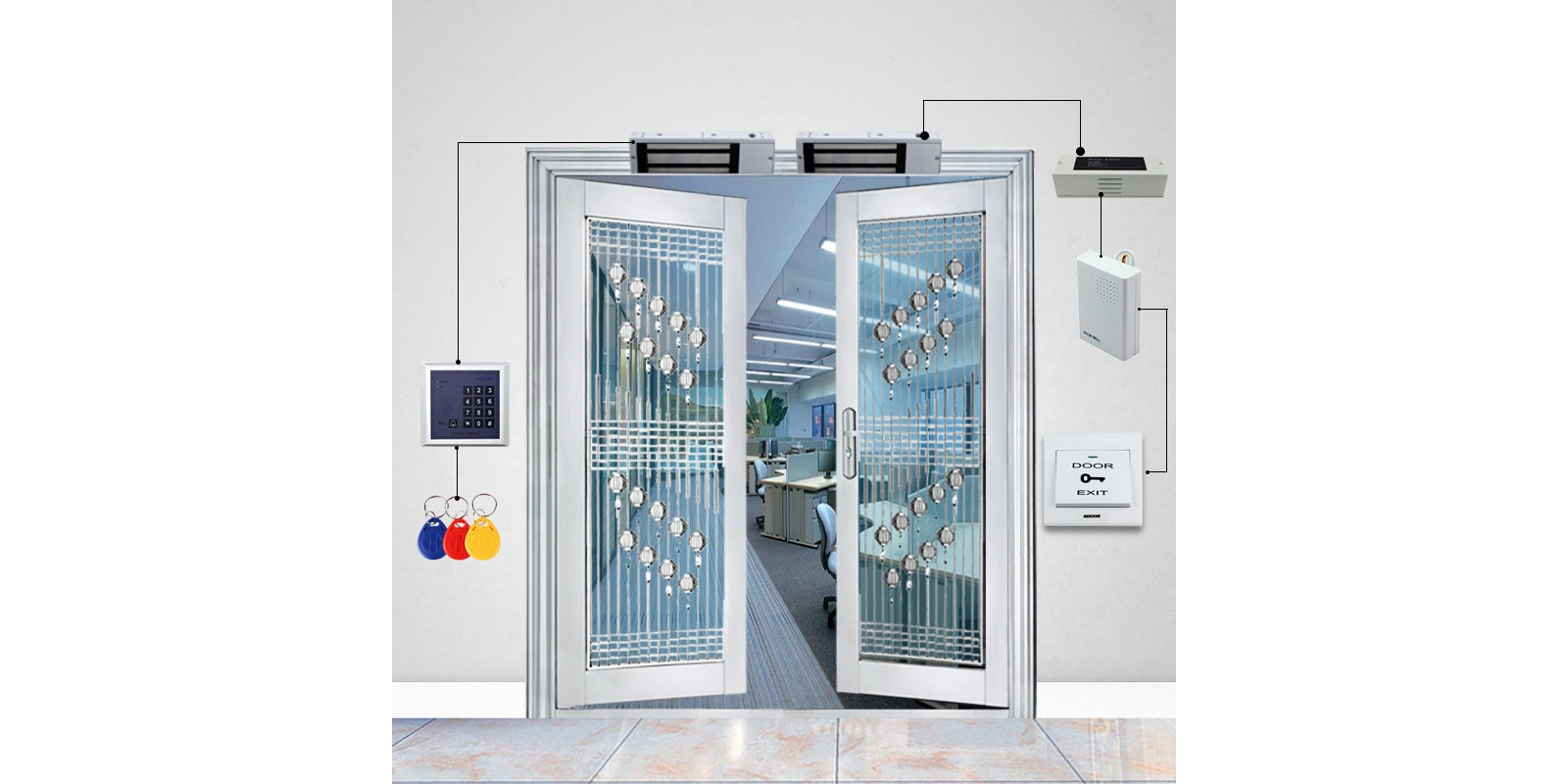
A growing number of our Delhi NCR clients want the thumb scan to do double duty: log attendance and open the office or server room door at the same time. That setup pairs the attendance device with an electric strike or magnetic lock on the door itself.
If you are weighing this option, our door lock access control system page covers the hardware side. Our glass door access control system page is worth a look too, if your entry point is glass rather than a standard frame, since the mounting hardware differs.
Frequently Asked Questions
What is the price of a thumb attendance machine in Delhi NCR?
A standalone thumb attendance machine for under 25 staff runs ₹3,000 to ₹6,500. Add cloud sync or door access and the price moves to ₹6,500 to ₹14,000 depending on the model and capacity.
Can a thumb attendance machine store more than one print per person?
Yes, most models let you enroll a second finger as backup. We recommend it for staff in physically demanding roles where the primary thumb can get bandaged or worn from manual work.
How long does enrollment take per employee?
Three to five minutes per person for a clean scan. Rushing this step is the most common reason a machine starts rejecting someone's print weeks later.
Does a thumb machine work without internet?
Yes. Standalone units store punches on the device and sync once a connection is available. This suits offices and factory floors with unreliable broadband across Delhi NCR.
Can I reset a thumb attendance machine myself if it freezes?
Most Realtime models have a manual reset through the admin menu, but a hard reset can wipe enrolled templates if done incorrectly. Call our support line before attempting one if your machine holds more than a handful of enrolled employees.
Is a thumb scanner less hygienic than a face recognition system?
It is more contact-heavy by design. Offices that moved to touchless entry after COVID often prefer our face recognition biometric attendance system for that reason, though thumb scanning remains the cheaper option for budget-conscious setups.
Does the thumb machine connect to payroll software?
Yes. Punch data syncs to attendance software that calculates hours, overtime and leave, and that report goes straight into most payroll systems without manual entry.
Get the Right Thumb Machine for Your Office
Headcount, mounting location and whether you need door access bundled in all change which model makes sense. Call 9319502447 and our team will recommend a setup based on your actual office, or book a free demo and we will bring the device to you anywhere in Delhi NCR and our 20-plus city coverage.
Call 9319502447